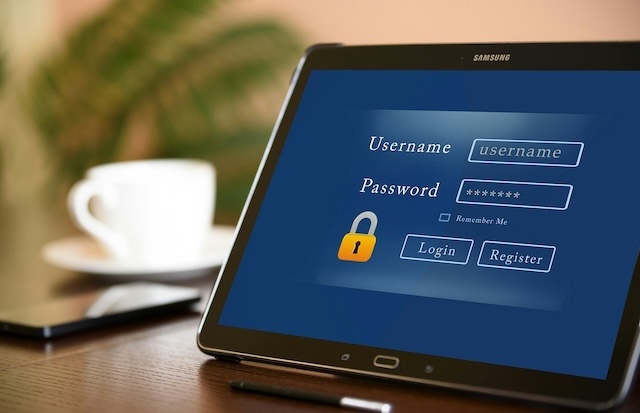
Passwords. They can feel like a tedious thing to keep track of, difficult to choose, or remember. However, given how much of our precious personal information is protected by passwords, they’re vital to get right.
How do we set strong passwords we can actually remember? These simple habits can make a huge difference.
What is considered a strong password?
Do these “rules” for setting passwords really matter? Yes, they do! While site security recommendations may vary, such as the number of characters or the inclusion of repeating numbers, they are often based on general guidelines that can help prevent passwords from being easily guessed or cracked.
Here are three recommendations to keep in mind:
- Make passwords long –Aim for 15 characters or more, for every account. Longer really is stronger.
- Try passphrases –These differ from passwords by having longer and more complex characters, such as a series of words (for example, MyDogLovesPeanutButter2025!). This helps by being easy to remember and tough to crack.
- Don’t reuse passwords – If one site gets breached, reused passwords become an open door to everything else.
How Can You Manage Various Passwords Across Accounts?
One of the main reasons we may choose an easy password or reuse the same password is due to the sheer volume of accounts we manage every day, both at work and in our personal lives.
A password manager is a software tool, typically built into your device or browser, that you can employ to “remember” your passwords for you. Password managers offer users the opportunity to use one login to manage all of their others, helping you beat password fatigue.
With two-factor authentication (2FA), you can add a layer of security to an account by completing a second login step. It also increases the chances of identifying when someone else has attempted to log in to your account, should you receive a 2FA code unprompted.
Your Password Hygiene Checklist
Use the following list to assess your password habits and see where you could better increase your password strength:
- My passwords are at least 15 characters long
- I avoid using obvious info like my birthday or my pet’s name in my password
- I don’t reuse the same password across multiple sites
- I’ve updated old, weak passwords I haven’t changed in a while
- I’m careful about clicking password reset links, and I only reset my password if I initiated it
- I am careful to use a strong password for my password manager to help keep track of my passwords
- I’ve turned on two-factor authentication (2FA) where possible
- I never share my passwords with anyone — ever.
Remain vigilant about information security all year long by visiting the SouthEast Bank security section of our Knowledge Hub at any time.
For the full article, read here.
Your financial journey starts with SouthEast Bank.
Olivia Johnson is marketing strategist for Southeast Bank.
Follow KnoxTNToday on Facebook and Instagram. Get all KnoxTNToday articles in one place with our Free Newsletter.